Let's be honest. Nobody wakes up in the morning thinking, "I hope I use the ugliest website ever created today." Yet somehow, the internet still manages to surprise us with websites that look like they were designed during a power outage.
That's exactly why UI/UX matters.
A beautiful website isn't just about adding fancy colors and random animations that make users question their life choices. Great UI and UX are about creating experiences that people actually enjoy using. If visitors need a treasure map just to find your contact button, you've already lost them.
What is UI and UX?
UI (User Interface) is everything users see on the screen. Buttons, colors, typography, cards, spacing, and layouts all belong to UI design.
UX (User Experience) focuses on how users interact with your website. It ensures navigation feels natural, pages load smoothly, and users don't have to complete a PhD in Computer Science just to sign up for your newsletter.
Think about it this way:
UI is how your website looks.
UX is how your website works.
Bad UI and bad UX together create a digital escape room nobody wants to solve.
Start With User Research
Before writing a single line of code, understand who your users are.
Many developers skip this step because "I know what users want."
Spoiler alert: they usually don't.
Research helps answer questions like:
Who are your users?
What problems are they trying to solve?
Which devices do they use?
What information are they looking for?
Building without research is like ordering food without reading the menu and then acting shocked when pineapple pizza arrives.
Create Wireframes
Wireframes are blueprints for your website.
They help you visualize:
Navigation menus
Hero sections
Cards and grids
Buttons and call-to-actions
Content structure
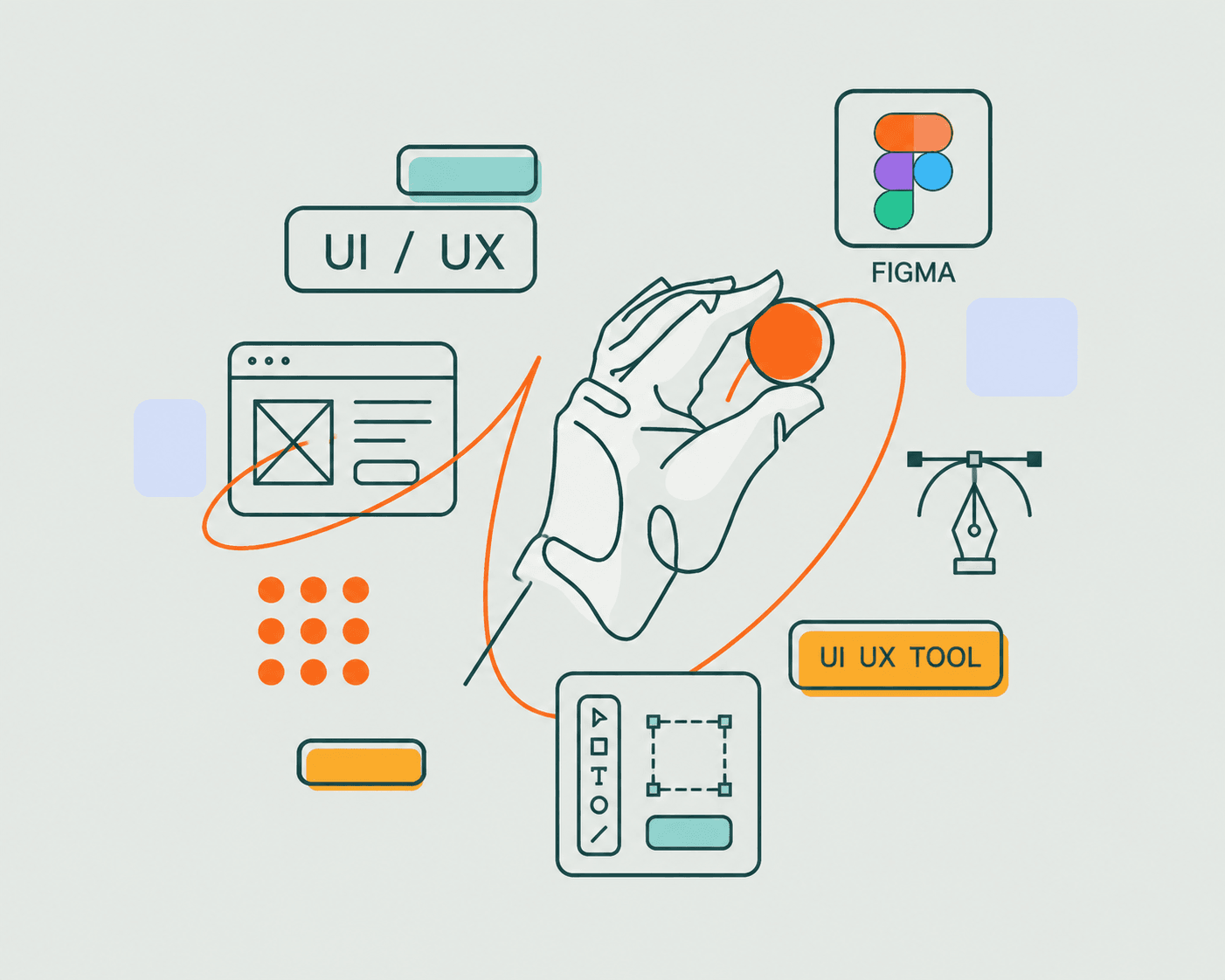
Tools like Figma make this process incredibly simple. Instead of changing the entire codebase twenty times, you can experiment with layouts before development begins.
Your future self will thank you.
Choose the Right Colors
Colors influence emotions and user behavior.
Some popular combinations include:
Purple and black for modern startups.
Blue and white for professional businesses.
Green and white for eco-friendly brands.
Orange and dark gray for energetic designs.
Not every button needs to be neon green. Users aren't trying to land airplanes.
Consistency matters more than using twenty different shades because you discovered a new gradient generator.
Typography Matters More Than You Think
Fonts can completely change the personality of a website.
Good typography improves readability and creates a professional appearance.
Popular choices include:
Inter
Poppins
Manrope
Geist
Plus Jakarta Sans
Comic Sans deserves respect for surviving all these years, but perhaps not on your SaaS landing page.
Build Responsive Layouts
Modern users browse websites on:
Smartphones
Tablets
Laptops
Ultra-wide monitors
A website should adapt to every screen size.
Responsive design ensures that users don't have to zoom in and perform finger gymnastics just to read a paragraph.
CSS Grid, Flexbox, and frameworks like Tailwind CSS make responsiveness much easier.
Add Smooth Animations
Animations improve engagement when used properly.
Subtle hover effects, page transitions, and scroll animations create a premium feel.
Framer Motion is an excellent library for React developers.
However, there's a difference between elegant animations and turning your homepage into a Marvel movie trailer.
Users came to browse your content, not wait for a thirty-second loading sequence.
Focus on Performance
Speed is part of UX.
A slow website frustrates users and hurts SEO rankings.
Some ways to improve performance include:
Optimize images.
Use lazy loading.
Compress assets.
Minimize JavaScript bundles.
Implement caching.
Use Next.js for server-side rendering.
Because nobody has ever said:
"Wow, I love waiting ten seconds for a website to load."
Accessibility Is Not Optional
Websites should be usable for everyone.
Good accessibility practices include:
Proper color contrast.
Keyboard navigation.
Alt text for images.
Semantic HTML.
Descriptive labels.
Accessibility isn't an extra feature.
It's basic respect for your users.
Frontend Development Tools
Modern frontend developers rely on tools like:
Design Tools
Figma
Adobe XD
Sketch
Frameworks
React
Next.js
Vue.js
Styling Libraries
Tailwind CSS
Sass
Bootstrap
Animation Libraries
Framer Motion
GSAP
State Management
Redux Toolkit
Zustand
Version Control
Git
GitHub
Having tools is great.
Collecting frameworks like Pokémon cards and never using them? Not so much.
Testing Your Website
Always test your design before launch.
Check:
Mobile responsiveness.
Loading speed.
Accessibility.
Browser compatibility.
Navigation flow.
Because discovering broken buttons after launch is a special kind of pain no developer enjoys.
Final Thoughts
Creating a great UI/UX website is not about throwing random gradients and glassmorphism effects everywhere and hoping for the best.
It's about understanding users, building intuitive experiences, and writing clean frontend code that performs well.
The best websites feel effortless.
Users don't notice great UX because everything simply works.
They only notice bad UX when they're clicking the same button five times wondering if the website is broken or if Mercury is in retrograde again.
As frontend developers, our job isn't just to build websites.
It's to create experiences people remember for the right reasons.
Because in a world full of complicated things, your website shouldn't be one of them.